
Stop digging through emails for stems.
One link for all your mix revisions. Timestamped feedback on the waveform. Version history that actually makes sense.
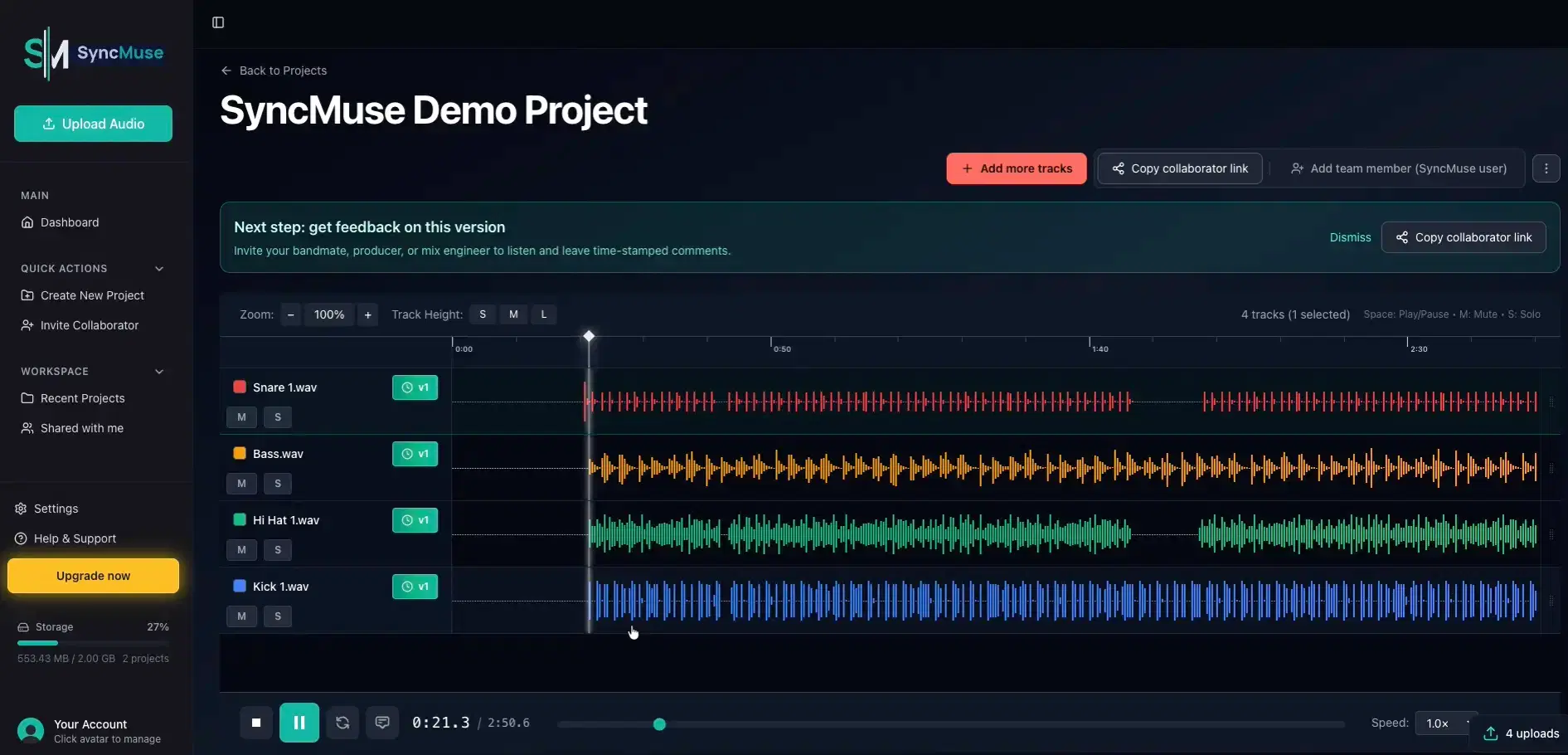
Sound familiar?
You spend more time hunting through email threads for the right stems than actually mixing. "Which version did they approve again?" becomes a daily question.
Feedback comes scattered across texts, emails, and voice memos. Half of it references the wrong version. The other half is too vague to act on.
Every project ends the same way: a folder full of "final_v3_REAL_final.wav" files and a creeping sense of dread.
Organized stem management
Every version automatically saved. No more "final_v3_REAL.wav" naming nightmares.
Feedback on the waveform
Clients leave timestamped comments exactly where they mean. No more vague notes.
One link for everything
Share a single link for all tracks and revisions. Clients see exactly what they need.
Version history that works
Compare any two versions side-by-side. Roll back when the client changes their mind.
How it works
Create your intake link
Set up a branded link where clients can upload stems directly to your workspace.
Receive organized uploads
Stems arrive sorted and ready. No more email attachments or file transfer headaches.
Upload your mix
Drag and drop from your DAW. Every revision is automatically versioned.
Iterate with clarity
Clients review on the waveform. You get actionable, timestamped feedback.
Questions from mix engineers
Common questions about managing stems, clients, and revisions
Ready to eliminate stem chaos?
Join 200+ early adopters who have eliminated stem chaos from their workflow.